
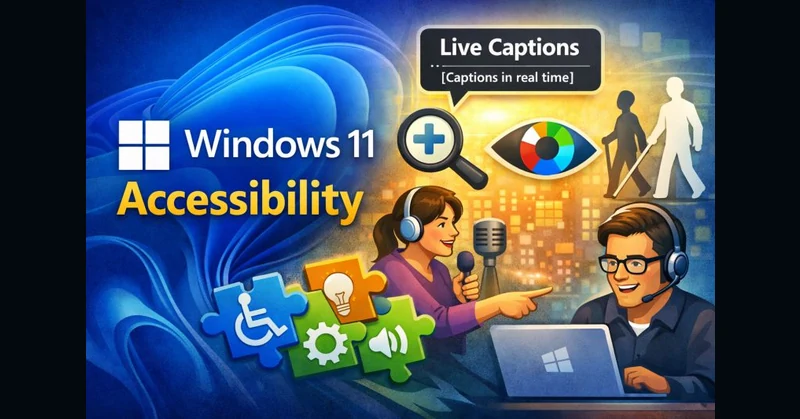
Windows 11 accessibility is one of those areas where quiet innovation is creating real impact, yet it often flies under the radar in higher education and workforce conversations.
One feature I keep coming back to is Live Captions. Windows 11 can generate real-time captions in the lower third of the screen for any audio coming from the device. That includes videos, livestreams, web conferences, recorded lectures, and screen shares. There is no dependency on the content creator to upload caption files, no waiting for someone else to make content accessible, and no extra software to deploy. The captions live on the user’s device and work across applications.
That alone represents a shift in mindset. Accessibility stops being something people wait for and becomes something they can turn on.
Windows 11 also includes native tools that support a wide range of visual and cognitive needs. Built-in magnification allows users to zoom without breaking layouts. Color filters and contrast adjustments help users with color blindness or light sensitivity. Narrator has matured into a genuinely usable screen reader rather than a checkbox feature. These tools are available on day one and consistently updated as part of the operating system.
What matters most is not just the feature list, but what it represents. For too long, accessibility meant waiting on someone else to decide what was “good enough,” unintentionally limiting independence, creativity, and self development. Windows 11 shifts that balance by empowering individuals to adapt technology to their needs instead of adapting themselves to its limitations.
This has clear implications for student Individualized Education Programs, but it does not stop there. When students move into the workforce, they bring tools they already know how to use. Native operating system features scale with them and are far more likely to appear in real-world professional environments than niche third-party or proprietary solutions.
For anyone who wants to explore what is available, Microsoft maintains an overview of Windows 11 accessibility features here: https://lnkd.in/ed-S5Bn5
I am curious how others are approaching this.
How often are native accessibility tools part of conversations with faculty, instructional designers, or IT teams? Are we teaching students how to use these tools, or just ensuring they exist? How do we balance purchased solutions with empowering users through platforms they will actually encounter in the workforce?
I would love to hear what is working, what is not, and where collaboration could move the needle.